From performance to character
See how the pieces fit.
Watch actual P-Video results, then follow the workflow: one short source clip, one reference image, and a clear idea of what you want to change.
Actual P-Video-Replace outputs
Real clips. Real results.
One original performance turned into three original characters using the studio’s higher-quality 1080p option. These are actual generated outputs, shown at normal speed.
- 1
One performance
The same five-second AI-generated creator clip drives each character swap.
- 2
Three character references
- 3
Three 1080p results
Each one a separate 5-second P-Video-Replace generation at 20 credits.
One performance. Three characters. A new look every two seconds.
Edited reel from three separate 5-second generations, shown at normal speed. Pick a character to inspect its full source, reference and result.
Try your own characterAbout these demos
Original AI-generated footage and fictional character references made for TryMotion. No celebrity clips or customer uploads. All three swaps use P-Video-Replace with the studio’s higher-quality 1080p option. Videos play at their original speed, without face retouching. “1080p” is the model’s resolution target; exact output dimensions appear above. Faces, clothing, motion and backgrounds can change.
The quick reel contains English labels. The explanations and comparisons on this page are translated.
The performance
One adult performer, one steady shot, up to 10 seconds. The movement is what carries over.
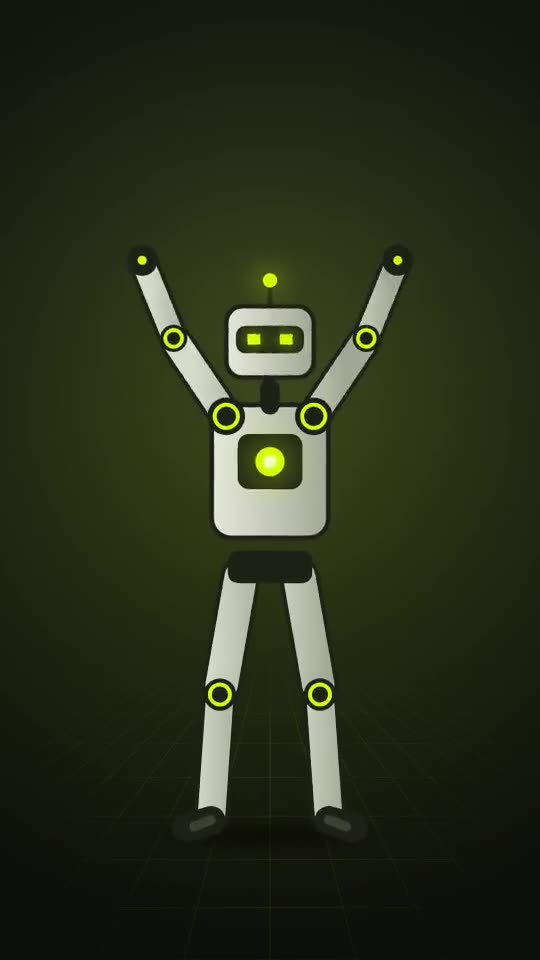 Reference image
The character
A clear, full-body reference. It supplies the look; it can’t supply details it doesn’t show.
The new take
The new character is rendered over the same movement, with your original audio when the clip has it.
The three panels above are motion illustrations of the workflow. The earlier before-and-after players show actual P-Video outputs. Current engine availability and credit quotes are shown in the studio.
A useful first shot
Imagine a five-second recording of an adult performer waving against a plain background. The reference shows an original robot character from head to toe. The goal is a recognizable wave with a coherent new character, rather than exact preservation of every pixel.
This is a proposed test brief, not a claimed result. Use a shot like it to evaluate whether the transformation fits your project before trying a complex performance.
What to check in every result
A fair example shows all four parts. Use the same checklist when you judge any character replacement tool, including ours.
The original performance
The complete source clip, its duration, framing, and audio status. A cropped still hides the movement that makes a video transformation difficult.
The character reference
The exact input image, including its framing and visible details. A result cannot be fairly evaluated without knowing what appearance it was asked to follow.
The entire output
The full generated video, selected engine, credit cost and disclosed limitations. Inspect difficult or awkward moments instead of judging whole-clip quality from a chosen frame.
A practical assessment
Notes on motion, identity, scene consistency, audio timing, and limitations. A useful example helps you decide whether your own input resembles the tested case.
Prepare your own evaluation
Start with one clear gesture, use an original reference, and decide what would count as a usable output. Save the source and note which settings you used. Compare the whole result with the goal, including the moments you expect to be difficult.