Start with a repeatable dance, not the hardest move
Record a short passage with one adult performer, a fixed camera and even lighting. Leave space around hands and feet. A simple step has an obvious rhythm and makes it easier to see whether the replacement follows the source. Rapid spins, crossing arms and hands covering the face add several problems at once.
Watch the source with the sound off. Can you still recognize the movement? If the important beat depends entirely on an edit, a flashing light or a camera cut, choose a clearer passage. You want to judge whether the character follows the performance, rather than whether a busy edit conceals the differences.
Use a reference that shows the intended costume
Choose an original character image with the same approximate viewing direction as your dancer. A full-body source benefits from a full-body reference: the model needs some indication of the shoes, sleeves and outline. A face portrait leaves those choices underspecified. Keep the background simple so it does not compete with the character.
Consider how the design will move. A long cape can hide the legs; an oversized head can obscure a raised hand; a rigid robot may not read like a flexible human dancer. For your first pass, pick a readable silhouette and a few broad colors. Add intricate costume details only after the basic movement works.
Prepare a short portrait clip for the studio
Trim the passage in a video editor before uploading. TryMotion accepts H.264 MP4 source videos of 1 to 10 seconds, up to 30 fps and 25 MB. Start with a clip of up to 5 seconds so one experiment stays in the lower duration tier. Export the intended portrait framing without squeezing a wide picture into a tall frame.
Replay the exported file before sending it. Check the opening frame, the beat you want to follow and the final pose. If you recorded a longer dance, make sure the trim did not leave an abrupt sound cut or remove the preparation for the move. The uploaded clip becomes the reference for timing.
Generate one draft and preserve the rhythm
Sign in, upload the dance and your character image, then review the quote. P-Video-Replace 720p is the default. It costs 10 credits for up to 5 seconds or 20 credits for up to 10 seconds. Use this pass to judge movement and character design before paying for a larger output.
If the source contains the soundtrack you want, keep original audio enabled and check it in the finished file. Sound preservation does not guarantee that generated feet or mouth movements will align with every beat. Use a visible cue, such as a footfall or clap, to compare the source and result at the same moment.
Review the entire dance before choosing 1080p
An attractive opening frame is only one part of the result. Look at the face during turns, the costume when arms cross the torso and the feet at the edges of the frame. Pause around the fastest motion. A character that changes outfit halfway through the step needs another source or reference experiment, not merely a higher resolution.
When the draft supports your idea, consider P-Video-Replace 1080p for more output detail. It costs 20 credits for up to 5 seconds or 40 credits for up to 10 seconds. A rerun is a new generation and can produce a different interpretation; it is not an exact upscale of the draft. Inspect both versions at the size people will actually watch.
Publish a clear, honest before-and-after
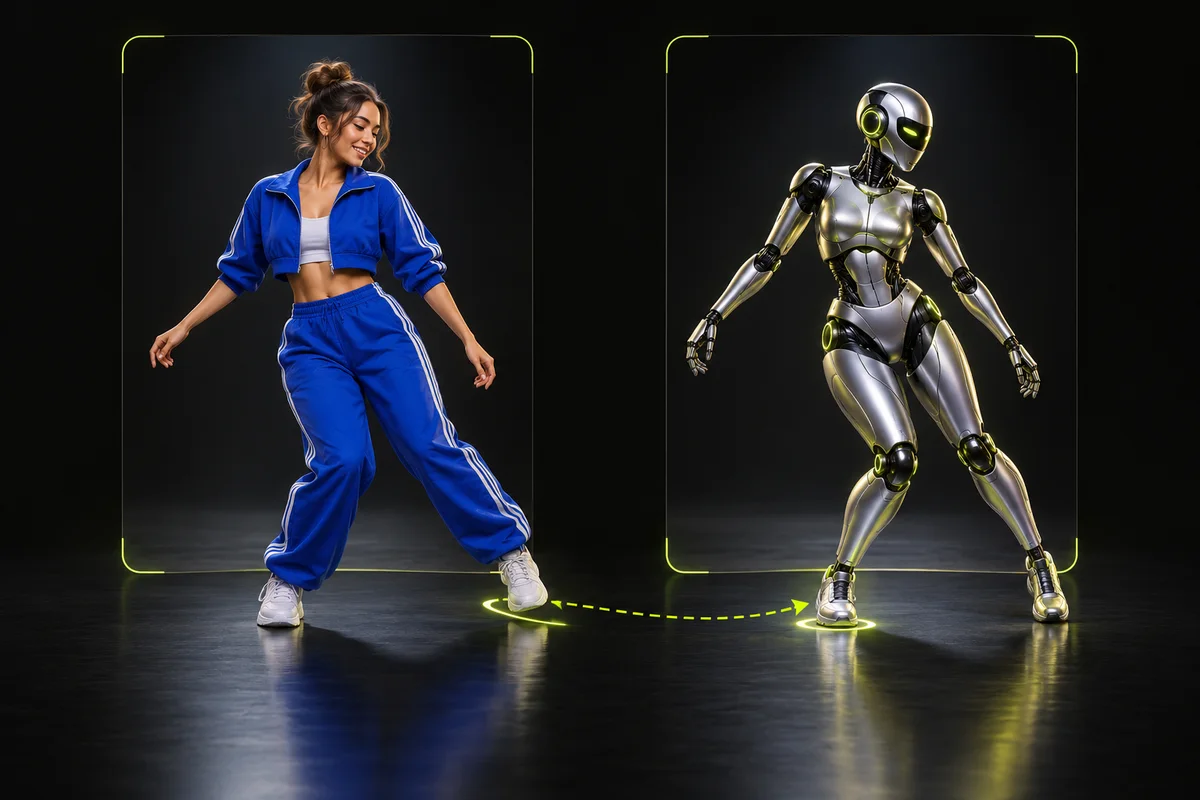
A useful comparison shows the source performance, the reference image and the actual result. Keep their framing consistent and give viewers enough normal-speed playback to judge the movement. A fast character reel can be an introduction, but link to a complete comparison when the reel is used to demonstrate a product's quality.
Use footage, character designs and audio you are authorized to process and publish. A clip being publicly watchable does not establish permission to reuse it in a commercial demo. Label synthetic transformations where needed and avoid implying that a real person endorsed the result. A well-planned experiment can be engaging without promising that any format will go viral.
Ready to try it on your own clip? Upload a short video and a character reference, and the studio shows the exact credit cost before you generate. Open the studio
Sources and editorial note
This guide combines the implemented TryMotion workflow with general editing guidance. Provider capabilities are sourced below. Our actual P-Video before-and-after demos show the source, reference images, full outputs, credit costs, processing times and limitations. Illustrations in this guide explain the workflow; they are labeled separately from generated results.