Match the reference to the shot
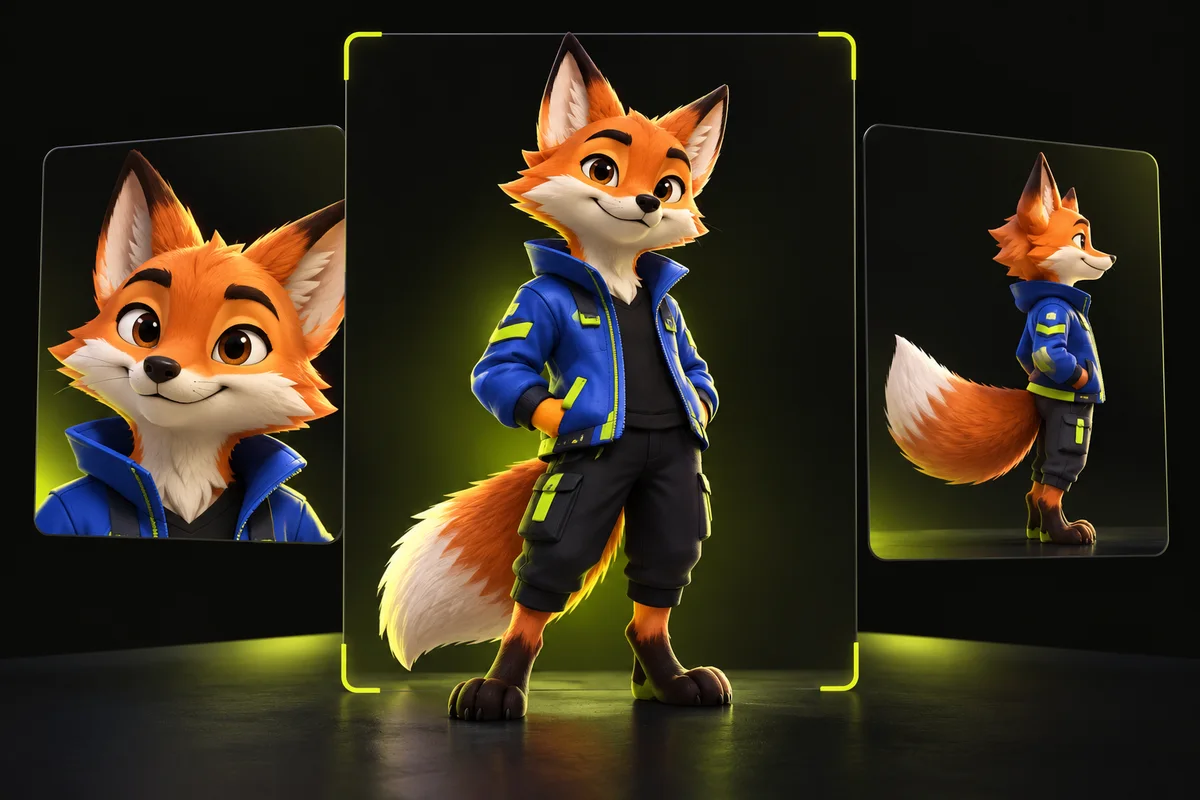
For a full-body dance, choose a full-body character reference. For a chest-up wave, prioritize the face, shoulders, sleeves and hands. A tight headshot can be excellent for face identity while giving almost no guidance about the rest of a costume. Decide which visible parts matter before choosing the image.
Compare the camera angle as well. A frontal reference and a source that stays nearly frontal form a simpler test than a frontal reference paired with a long profile turn. A reference image is evidence of an appearance, not a complete three-dimensional model of the character. Hidden views remain uncertain.
Make identity and clothing easy to read
Use an evenly lit image with a distinct outline and a readable face. Avoid motion blur, heavy filters and shadows that hide the eyes or merge the jaw into the background. Give the character room in the frame. Cutting off the top of the head or feet can make it harder to assess the complete design.
Simple clothing often makes an initial test easier to judge. Broad color blocks and a clear collar are more readable than tiny lettering, complex jewelry or repeated symbols. If an exact logo or product label is essential, plan a conventional editing step and an approval check. Do not assume a generative model will preserve typography.
Separate character design from background design
The reference should make it clear what is the character and what is scenery. A busy poster with several people, captions and props gives the model competing information. For a first experiment, use one subject against a simple backdrop and keep props out unless they are central to the intended action.
Match proportions where practical. A human source reaching above its head may be a poor fit for a mascot with very short arms. An oversized helmet changes how the face can remain visible during a turn. Adjust the performance or choose a different design instead of relying on repeated random outputs to resolve the conflict.
Prepare the file without inventing detail
TryMotion uses one character image in this workflow. Upload a supported JPG, PNG or WebP within the studio's 10 MB image limit, and follow any validation message shown before quoting. Provider documentation may describe more references than the TryMotion interface accepts; those are different product limits.
Cropping out unrelated scenery can improve the reference's focus. Enlarging a tiny, blurry picture does not restore identity details that were absent. Save your clean original and a separate prepared copy, so you can later distinguish a reference change from a model or resolution change.
Diagnose the moment where the result changes
If the face drifts only during a side turn, the source angle or an occlusion may be the main difficulty. If the jacket changes throughout the clip, check whether its shape and color are clear in the reference. If hands become inconsistent when they cross the face, simplify that movement before assuming the whole reference is unusable.
Keep a short experiment log: source filename, reference filename, engine, credit quote and the moment that failed. Change one factor at a time. This makes the next generation a test of a specific hypothesis. Changing the source, character and engine together gives you less information about what helped.
Use a practical acceptance checklist
Inspect the first frame, a turn or gesture near the middle and the closing pose, then replay the whole clip. Ask whether the character remains recognizable, the important clothing stays coherent and the movement still reads. Include the intended viewing size: details that look acceptable in a small preview may not hold up in a larger export.
Start with P-Video-Replace 720p and a source of up to 5 seconds, quoted at 10 credits. Consider a 1080p generation only when the design and motion are already useful. Higher resolution can provide more pixels, but it cannot guarantee a corrected face or costume. Keep your original design files and permission records with the project.
Ready to try it on your own clip? Upload a short video and a character reference, and the studio shows the exact credit cost before you generate. Open the studio
Sources and editorial note
This guide combines the implemented TryMotion workflow with general editing guidance. Provider capabilities are sourced below. Our actual P-Video before-and-after demos show the source, reference images, full outputs, credit costs, processing times and limitations. Illustrations in this guide explain the workflow; they are labeled separately from generated results.