Write a brief a viewer can understand in one shot
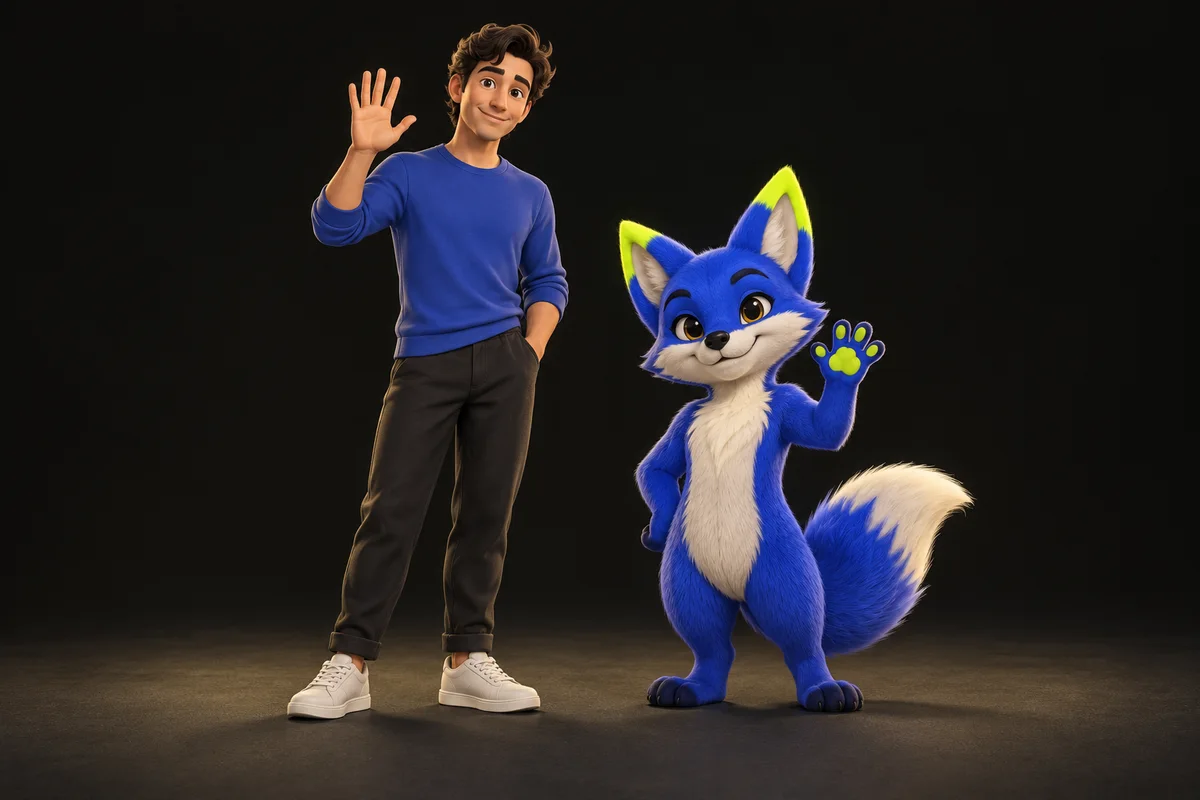
Decide where the clip will be used and what it should communicate. A welcome animation on a product page, a celebratory social post and a mascot introduction need different framing and pacing. Describe the action before choosing a model: the character raises a hand, pauses, then waves toward the viewer.
Choose a success criterion that can be checked. The mascot's outline remains readable, its main colors stay consistent and the gesture finishes within the shot. Avoid a brief that depends on precise product handling, exact lettering or several scene changes for the first experiment. Those requirements need more production and review.
Prepare a design that can follow a human movement
A clean, full-body reference gives useful guidance about the mascot's proportions and costume. Compare the design with the intended performer. If the mascot has a broad torso, short arms or a large head, adjust the source gesture so it makes sense for that shape. A small wave can be clearer than an elaborate dance.
Use broad, distinct colors and keep essential brand lettering outside the generated character when possible. Add an approved logo, product image or call to action during conventional editing, where it can remain exact. A brand review should not depend on the model reproducing small text across moving fabric.
Record one adult performer and one clear gesture
Use steady framing, even light and enough separation from the background. Keep the relevant body parts visible from the opening to the closing pose. For a wave, leave room above and beside the hand. Avoid crossing the hand over the face if facial expression is central to the message.
Prepare a H.264 MP4 of up to 5 seconds for the first test, within TryMotion's 25 MB and 30 fps source limits. Leave a brief, natural start and finish instead of cutting in the middle of movement. Listen to the exported clip and decide whether its original sound belongs in the final brand asset.
Use a draft to answer a specific production question
Upload the source and reference, then review the quote for P-Video-Replace 720p. The default option costs 10 credits for up to 5 seconds. Ask a focused question of the output: does this design remain recognizable while waving? That gives the first generation a clear purpose.
If the silhouette works but the costume is inconsistent, revise the reference. If the gesture breaks at a turn, revise the performance. Move to 1080p when the basic concept works and the intended placement needs more output detail. Each new submission is a separate generation and may vary from the previous take.
Finish the clip as a brand asset
Review the entire result with the person responsible for the brand design. Inspect hands, face, costume, shadows and any interaction with the scene. Keep the source and reference beside the output so approval is based on what changed. Do not rely on a fast reel to conceal a difficult moment.
Add exact logos and copy in your editor, preserve any licensed soundtrack deliberately and export for the actual placement. Replay the finished file on the device and layout where it will appear. A portrait social clip and a wide website banner should each keep the mascot's proportions rather than stretching one export to fit both.
Keep a reusable production record
Save the approved reference, the performer's authorization, the source file and the final export. Record the model, resolution and any limitations that affected approval. These records make a later mascot variation easier to reproduce and review without pretending that a new generation will be identical.
Use a character design and performance you are authorized to process for the intended commercial purpose. Do not imply a celebrity or another company's endorsement through a replacement. TryMotion's uploads and outputs expire after 7 days, so download approved assets and keep the production originals in your own project storage.
Ready to try it on your own clip? Upload a short video and a character reference, and the studio shows the exact credit cost before you generate. Open the studio
Sources and editorial note
This guide combines the implemented TryMotion workflow with general editing guidance. Provider capabilities are sourced below. Our actual P-Video before-and-after demos show the source, reference images, full outputs, credit costs, processing times and limitations. Illustrations in this guide explain the workflow; they are labeled separately from generated results.