
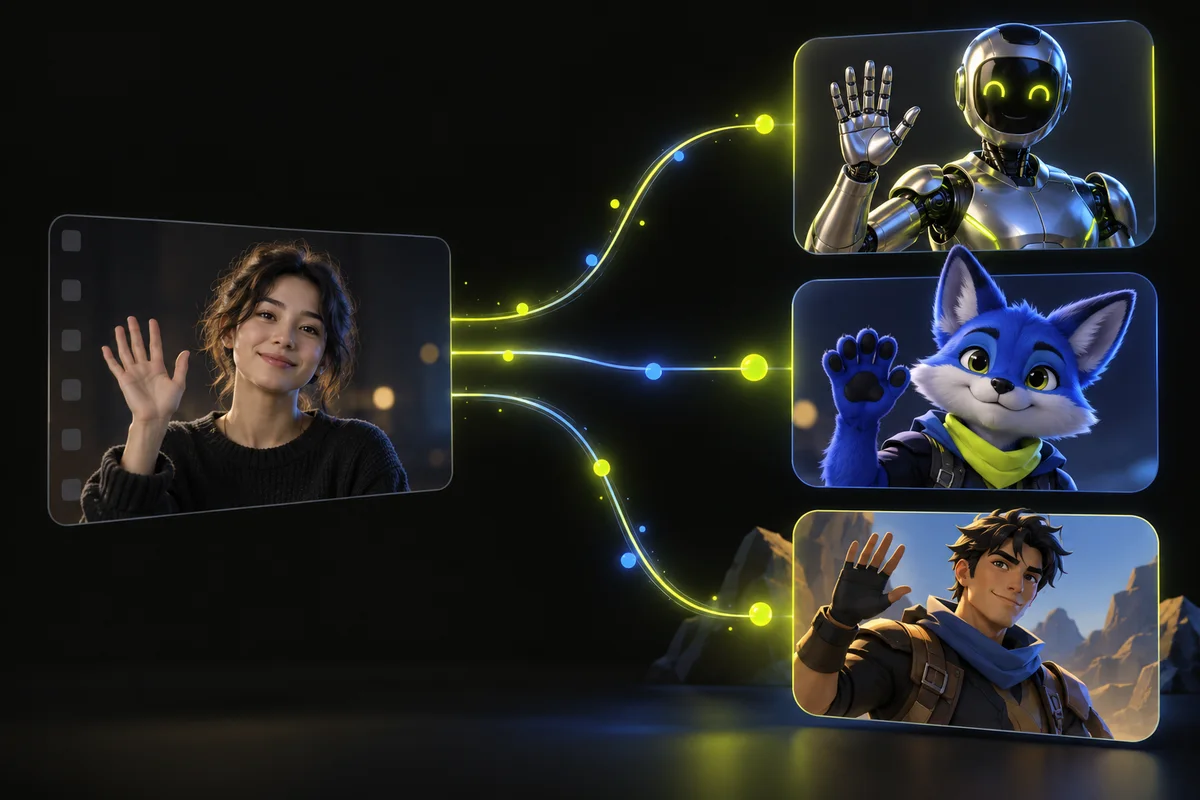
Define what copying motion means for your project
For a dance, you may need the recognizable choreography and musical timing. For a greeting, the direction and finish of a wave may be enough. For a scene replacement, keeping the camera and background can be as important as the gesture. Write down the features that must remain before comparing results.
Do not confuse a similar action with the same action on the same frames. A generated character can perform a convincing wave while starting it later or using a different arm. If timing matters, compare visible cues across the source and output. If scene continuity matters, inspect the background as well as the person.
When to begin with P-Video-Replace
TryMotion defaults to P-Video-Replace 720p for an affordable first character-swap experiment. The studio combines one short source video and one character image. A source of up to 5 seconds costs 10 credits in 720p or 20 credits in 1080p. Review the actual quote before submitting.
In our single 5-second portrait comparison, 720p completed in 49 seconds and 1080p in 1 minute 54 seconds end to end. These observations are useful context, not a general speed ranking. Face details, clothing and the scene can still change. Start with the default to test whether the source and reference fit the task.
When to evaluate Seedance reference-guided editing
Seedance 2.5 supports a reference-guided editing workflow through the provider used by TryMotion. References and editing instructions define a broader creative task. Do not assume that attaching a source video guarantees a frame-for-frame performance or an unchanged scene. TryMotion describes this engine as a creative edit because timing and clip length can vary.
At the time of this guide, TryMotion quotes 125 credits for the 5-second tier and 250 credits for the 10-second tier at 720p. Access and input restrictions apply. The existing Seedance guide explains what to verify before using it; it is not evidence that Seedance outperforms the other engines on every character or source.
Where Wan Animate and Kling fit
Wan Animate's replacement workflow is intended to put a reference character into source footage. TryMotion also offers Kling 3.0 Pro for motion control. These are useful alternatives to evaluate when the default does not satisfy a clearly defined scene or movement requirement. Their names do not guarantee exact framing, identity or background preservation.
TryMotion's 5-second tiers are 25 credits for Wan Animate and 35 credits for Kling 3.0 Pro; the 10-second tiers are 50 and 70 credits respectively. Earlier individual dance tests took 13 minutes for Wan Animate and 3 minutes 6 seconds for Kling 3.0 Pro. Those runs used a different source from the portrait comparison, so they are not a controlled ranking of all models.
Run a useful comparison instead of changing everything
Use the same owned source clip, character image and intended sound setting where each model supports them. Record the quote and total time to a downloadable output. Define acceptance criteria before watching: recognizable character, readable motion, acceptable scene changes and usable audio timing. Save failures and limitations as well as attractive results.
Compare normal-speed playback and difficult moments, including turns and occlusion. If a provider cannot accept the same inputs, record the difference rather than calling the comparison equivalent. A single successful clip demonstrates that particular outcome. It does not establish a success rate or a reliable turnaround for an entire business workflow.
Choose the cheapest option that passes your brief
If the default gives you a useful result, there may be no reason to pay for another engine. If it fails on a specific requirement, choose the next test around that failure. A new reference may help an unclear costume; a simpler source may help an occluded gesture. Higher cost cannot guarantee a more useful interpretation.
All displayed prices are TryMotion credit quotes, not the providers' raw API prices. Check the live studio for availability and current costs. Technical failure credit restoration is separate from a completed creative result. Start small, review the whole export and download anything you want to retain before the 7-day expiry.
Ready to try it on your own clip? Upload a short video and a character reference, and the studio shows the exact credit cost before you generate. Open the studio
Sources and editorial note
This guide combines the implemented TryMotion workflow with general editing guidance. Provider capabilities are sourced below. Our actual P-Video before-and-after demos show the source, reference images, full outputs, credit costs, processing times and limitations. Illustrations in this guide explain the workflow; they are labeled separately from generated results.