What the resolution setting changes
The two options use the same P-Video-Replace model family with different resolution targets. The provider describes resolution as a pixel budget with aspect ratio preserved. A portrait result therefore should not be interpreted as a promise of one fixed landscape width and height. Check the downloaded file's actual dimensions.
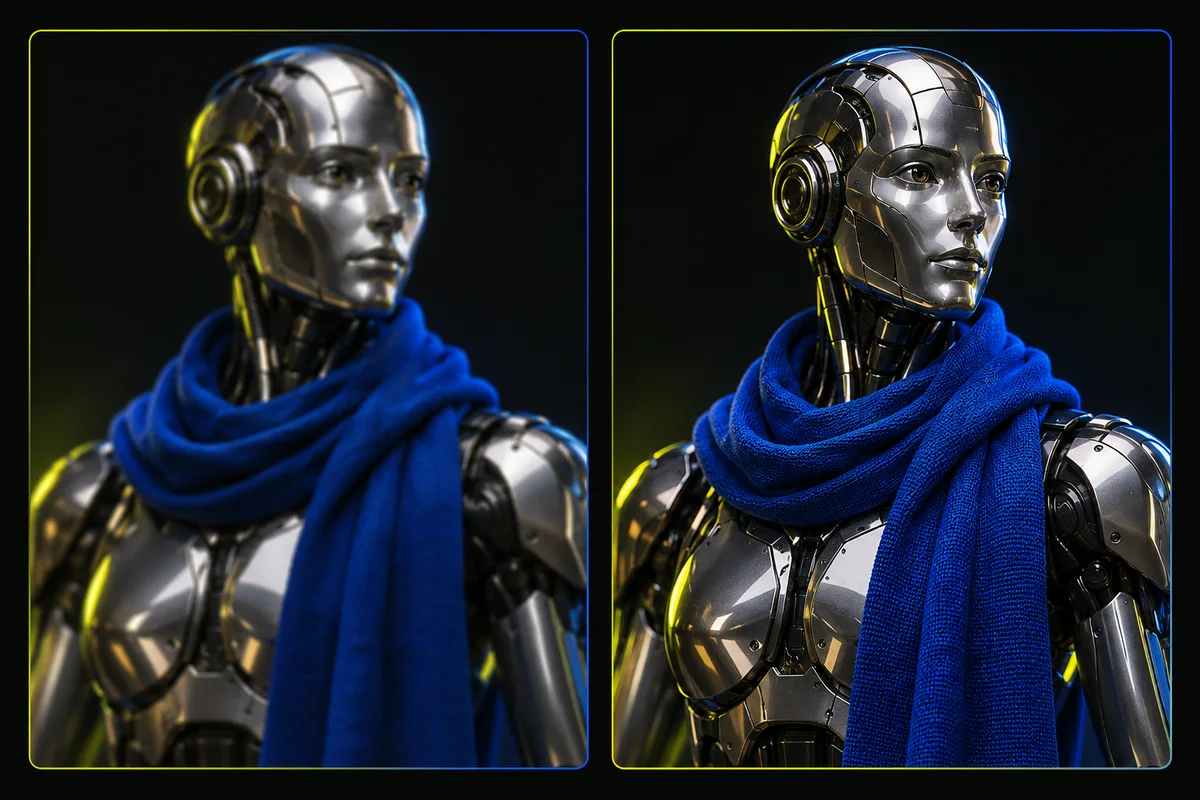
More output pixels can help with hair boundaries, material texture and clothing edges when the generated content is coherent. They do not force the model to reproduce the reference exactly. A detailed wrong sleeve is still a wrong sleeve, and a crisp hand can still follow a different pose. Judge detail and fidelity separately.
Compare the credit costs before submitting
In TryMotion, P-Video-Replace 720p costs 10 credits for up to 5 seconds and 20 credits for up to 10 seconds. P-Video-Replace 1080p costs 20 credits and 40 credits for those tiers. The studio checks the uploaded duration and presents the confirmed quote before you submit.
The Starter pack is 150 credits for 15 USD on the website. Other packs have different effective prices per credit. Do not treat a credit as a universal fixed cash amount across every pack or storefront. The live pricing page and your checkout show the purchase price; the generation quote shows how many credits that job reserves.
What our portrait speed test actually measured
In one TryMotion test using the same 5-second portrait source, the 720p workflow completed in 49 seconds end to end. The 1080p workflow completed in 1 minute 54 seconds. These are individual observed runs, not average response times, percentile measurements or a delivery guarantee.
End-to-end time includes more than model inference: preparation, provider queuing, generation and saving the output can all contribute. Provider load and the particular input can change the experience. The observation supports starting with a cheaper draft, but it does not establish that every 1080p job takes a fixed multiple of every 720p job.
A 1080p rerun is a fresh interpretation
Selecting 1080p and submitting again creates a new generation from the uploaded inputs. It does not take your favorite 720p output and simply enlarge that exact take. The face, clothing and movement can vary. Save the draft you like before experimenting, especially if a subtle expression is important.
If an exact approved performance must remain unchanged, consider an ordinary finishing or upscaling workflow for that saved file. That is a separate editing decision. TryMotion's resolution selector chooses the generation target; it is not presented as a deterministic enhancement of an existing output.
Compare at equal size and normal playback speed
Use the same source, reference and intended audio setting for both jobs. Inspect the files at the same displayed size, then inspect each at its native size. Comparing a small draft player with a much larger final player makes it difficult to tell a real improvement from a change in presentation.
Review recognizable details during movement, not just a paused opening frame. Check the face after a turn, clothing around the elbows, the outline against the background and the timing of any clap or footfall. Download both outputs and verify their orientation and aspect ratio in a second player.
Choose the next step from the actual problem
If the idea works but small details appear soft at the intended display size, 1080p is a reasonable next experiment. If the character changes identity or loses a gesture, improve the reference or simplify the source first. Paying for more pixels does not diagnose the reason for a failed creative result.
A confirmed technical generation failure restores the reserved credits automatically. That is separate from disliking a completed creative result or requesting a payment refund. Review the current support policy before a larger project, and download useful results before their 7-day storage expiry.
Ready to try it on your own clip? Upload a short video and a character reference, and the studio shows the exact credit cost before you generate. Open the studio
Sources and editorial note
This guide combines the implemented TryMotion workflow with general editing guidance. Provider capabilities are sourced below. Our actual P-Video before-and-after demos show the source, reference images, full outputs, credit costs, processing times and limitations. Illustrations in this guide explain the workflow; they are labeled separately from generated results.